
The Importance of Accessibility in Web Design
Understanding web accessibility standards and how to implement them. Create inclusive websites that work for everyone, including users with disabilities.
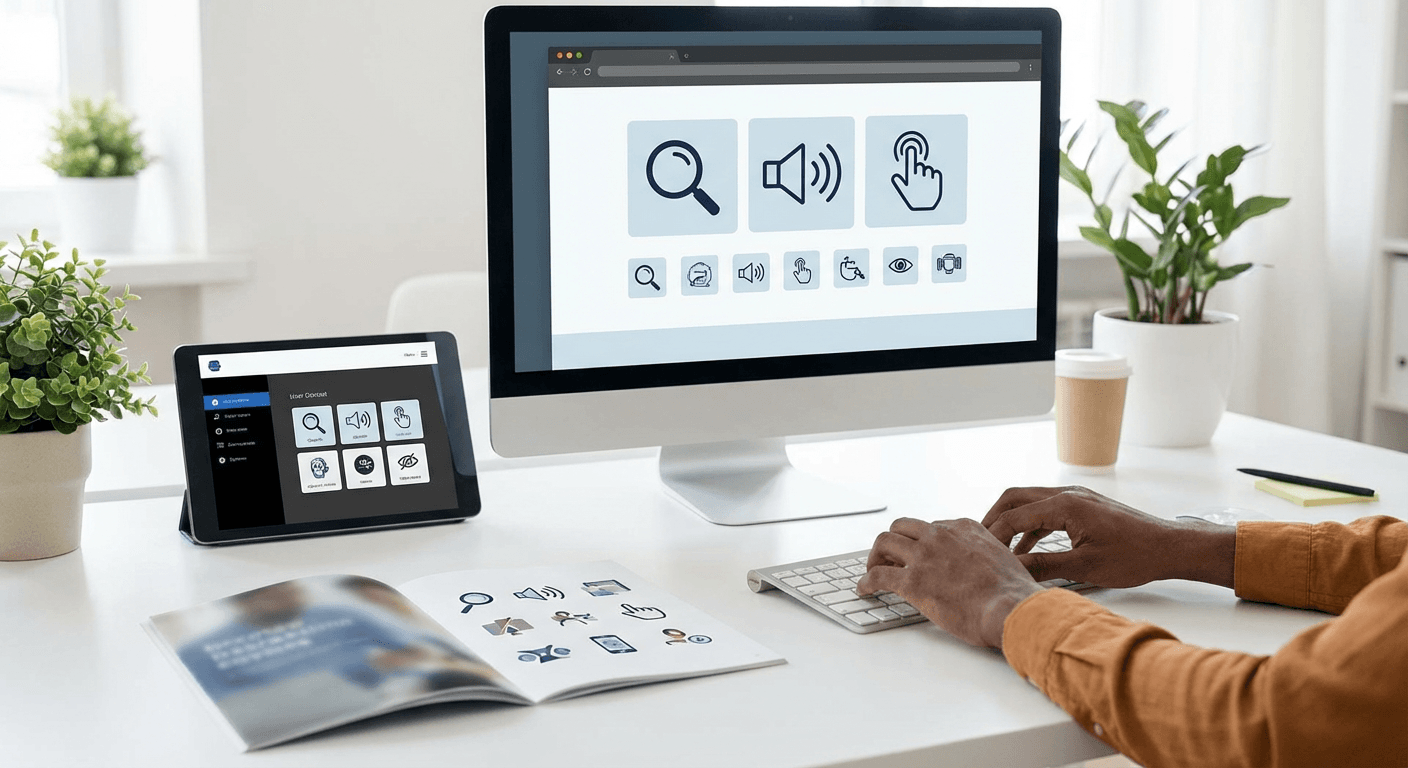
The web has the potential to be the great equalizer, providing access to information and services regardless of physical ability. Yet many websites unintentionally exclude millions of users with disabilities through inaccessible design choices. Web accessibility isn't just an ethical imperative—it's increasingly a legal requirement and a business opportunity. Accessible websites reach larger audiences, perform better in search rankings, and often provide better experiences for all users. This guide demystifies web accessibility, explaining the standards, techniques, and tools that enable you to create truly inclusive web experiences.
1Understanding Who Benefits from Accessibility
Accessibility benefits far more people than many realize. The obvious beneficiaries include users who are blind and rely on screen readers, deaf users who need captions, and users with motor disabilities who navigate via keyboard. But accessibility improvements help many others: users with temporary impairments like a broken arm, users in situational limitations like holding a baby, older users whose vision and motor skills have declined, and users with slow internet connections or older devices. The curb cut effect—named after sidewalk ramps that help wheelchair users but also benefit strollers, delivery carts, and cyclists—demonstrates how accessibility features often improve experiences universally.
2WCAG Guidelines: The Accessibility Standard
The Web Content Accessibility Guidelines (WCAG) provide the internationally recognized standard for web accessibility. WCAG organizes requirements around four principles: Perceivable, Operable, Understandable, and Robust (POUR). Content must be perceivable through different senses—visual, auditory, or tactile. Interfaces must be operable via various input methods including keyboard, voice, and assistive devices. Information must be understandable regardless of user expertise. And content must be robust enough to work with current and future technologies including assistive tools. WCAG defines three conformance levels: A (minimum), AA (recommended for most sites), and AAA (highest). Most legal requirements and best practices target WCAG 2.1 AA compliance.
3Semantic HTML: The Foundation of Accessibility
Accessibility begins with semantic HTML—using elements for their intended purposes. When you use a button element for buttons, heading elements for headings, and nav elements for navigation, assistive technologies understand your content's structure without additional work. Screen readers announce element types, helping users navigate efficiently. A button element automatically receives keyboard focus and responds to Enter and Space keys; a div styled to look like a button requires manual accessibility implementation that's easy to get wrong. Lists, tables, forms, and landmarks all have semantic elements that convey meaning. Before reaching for ARIA attributes, ensure you're using the most semantic HTML element available.
4Making Visual Content Accessible
Visual content requires alternatives for users who can't see it. Every meaningful image needs alt text that conveys its purpose—not just what the image shows, but why it's there. Decorative images should have empty alt attributes so screen readers skip them. Complex images like charts and infographics may need longer descriptions. Color shouldn't be the only way to convey information; combine color with patterns, labels, or icons. Ensure sufficient color contrast between text and backgrounds—WCAG specifies minimum contrast ratios. Videos need captions for deaf users and audio descriptions for blind users. These alternatives don't just help users with disabilities; they make content more accessible in noisy environments, searchable by search engines, and usable on slow connections.
5Keyboard Navigation and Focus Management
Many users navigate websites entirely via keyboard, including screen reader users, users with motor disabilities, and power users who prefer keyboard efficiency. Every interactive element must be reachable and usable via keyboard. Tab order should follow logical reading order through the page. Focus indicators—the visible outline showing which element is currently selected—must be clearly visible; never remove them without providing equally clear alternatives. Custom widgets like modals, menus, and carousels require careful focus management, trapping focus within the widget when open and returning focus appropriately when closed. Test your site by unplugging your mouse and navigating entirely via keyboard.
6Testing for Accessibility
Accessibility testing combines automated tools with manual evaluation. Automated tools like axe, WAVE, and Lighthouse catch many issues—missing alt text, insufficient contrast, missing form labels—quickly and consistently. But automation only catches about 30% of accessibility issues; the rest require human judgment. Manual testing should include keyboard-only navigation, screen reader testing with tools like NVDA or VoiceOver, and zoom testing at 200% magnification. Ideally, involve users with disabilities in usability testing; they catch issues that able-bodied testers miss and provide insights into real-world assistive technology usage. Build accessibility testing into your development process rather than treating it as a final checklist item.
Key Takeaway
Web accessibility transforms websites from exclusionary to inclusive, opening digital experiences to everyone regardless of ability. Beyond the ethical imperative, accessibility provides business benefits through larger audiences, better SEO, and legal compliance. WCAG guidelines provide clear standards, semantic HTML creates accessible foundations, visual content needs alternatives, and keyboard navigation must work flawlessly. Testing—automated and manual—ensures accessibility improvements actually work for users. Accessibility isn't a destination but an ongoing commitment to creating web experiences that truly work for everyone.
Related Topics
Continue Reading
UI/UX Design Principles for Modern Web Applications
Master essential UI/UX design principles that create engaging, user-friendly web experiences. From visual hierarchy to micro-interactions.
Web DevelopmentThe Future of Web Development: Trends to Watch in 2026
Discover the most impactful web development trends shaping 2026, from AI-powered development tools to edge computing and beyond. Stay ahead of the curve.
PerformanceOptimizing Website Performance: A Complete Guide
Learn proven techniques to improve website loading speed and performance. From image optimization to code splitting, boost your Core Web Vitals.
Need help making your website accessible?
Let us help you with your accessibility project. Our team of experts is ready to bring your vision to life.